Officers get each verified alarm with its clip on their phone.
A radio call tells an officer to check the north fence and little else. The ZoneIntel AI mobile app shows the clip, the camera and the spot on the site plan before the officer sets off.
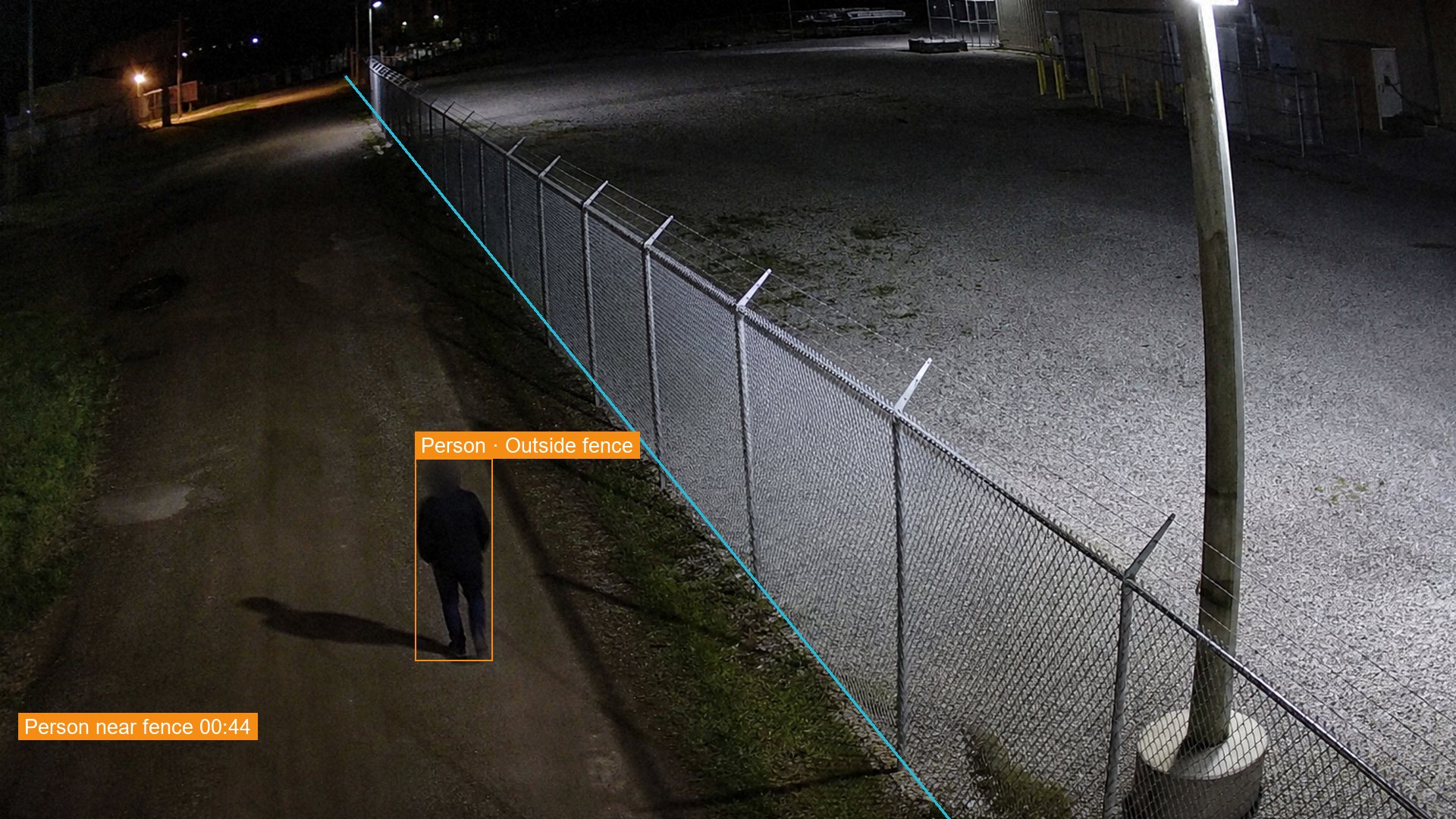 N-07, 23:14:05
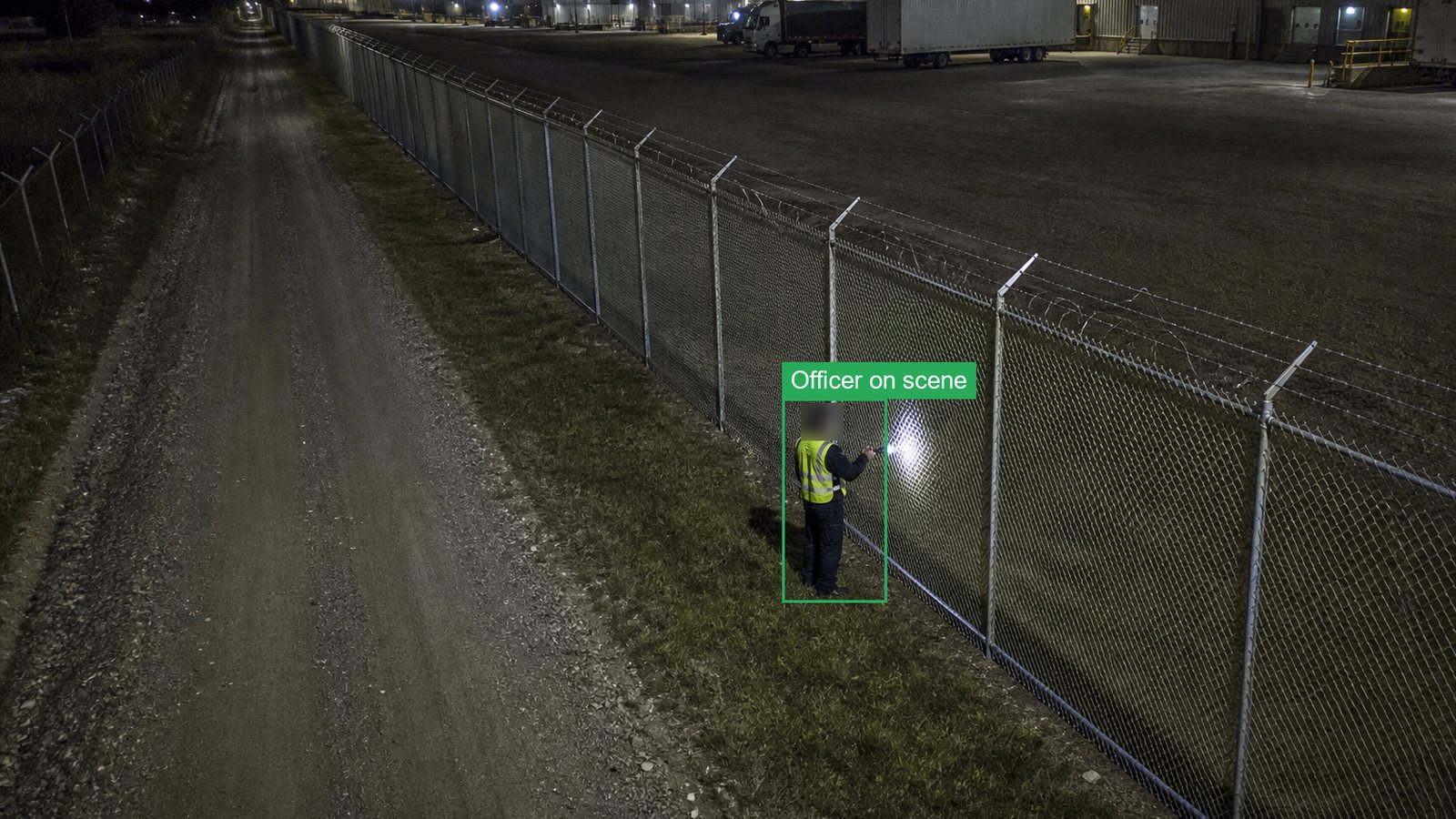 Officer photo, 23:21
How the mobile app works
The app carries one alarm from the alert to the closed record.
- The alert arrivesA verified alarm reaches the officer’s phone as a push alert.
- The officer sees the clipThe clip plays with the camera name and the spot on the site plan.
- The officer respondsOne tap acknowledges the alarm, and the control room sees it.
- The alarm closes with a photoThe officer adds a photo and a note from the scene.
What you receive
Officers, supervisors and contractors get what they need for the job in front of them.
- Push alertsVerified alarms only, for the sites and shifts assigned.
- Clip and locationThe clip, the camera and a pin on the site plan.
- Close with a photoA photo and note from the scene, saved in the record.
- Views for each roleOfficers, supervisors, clients and city contractors.
Questions about the mobile app
Who uses the mobile app?
Security officers, supervisors and client contacts use it for site alarms. City contractors and field crews use it for cases such as dumped waste, with the same close-with-photo step.
Which phones does it run on?
The app runs on current iPhone and Android phones. Alerts also arrive by SMS and email for staff who work without the app.
Does the app show live video?
The app shows the alarm clip first, since that is what the officer needs. Users with the right role can also open live view and recorded clips for their sites.
What if the phone has no signal?
The alert also goes to the control room and by SMS. The officer’s photo and note are sent when the phone is back on the network.
See an alarm arrive on your own phone.
Book a demo and we send a sample alarm to your phone, from the push alert to the closed record.