Loitering detection flags a person who stays too long at your gate.
A person who waits at a fence, gate or loading bay is often checking the site before a theft. ZoneIntel AI times each person inside the zones you mark and alerts your team at the limit you set.
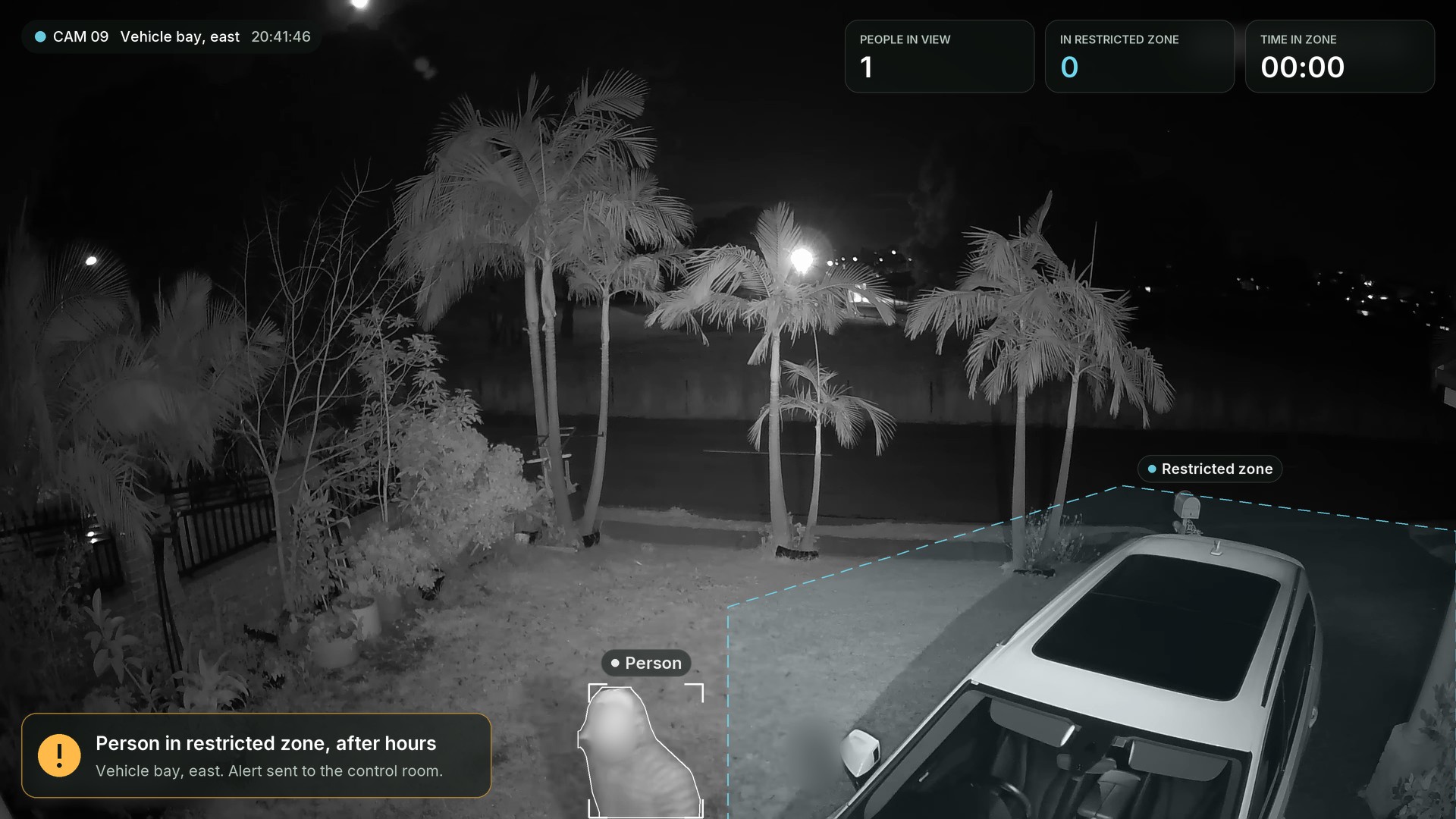
Simulation. CCTV sample by Serious Security Sydney, via Wikimedia Commons (public domain).
How loitering detection works
Each zone has its own time limit and its own hours.
- Mark the zoneDraw the zone on the camera view and set a time limit for it.
- A timer startsWhen a person enters the zone, ZoneIntel starts counting the time they stay.
- The limit passesThe scene is checked, and staff on the work list are cleared.
- Your team is alertedThe alert goes to your control room, guard company or officer on duty with the clip.
Time limits by zone
A car park stairwell and a fence line need different limits. Each zone keeps its own limit, active hours and alert route.
| Zone | Time limit | Hours | Alert goes to |
|---|---|---|---|
| Main gate, outside | 3 min | 19:00 to 07:00 | Gate officer |
| North fence strip | 1 min | All day | Control room |
| Loading bay doors | 5 min | 22:00 to 06:00 | Duty manager |
| Car park stairwell | 10 min | All day | Officer on duty |
People in a zone now
What you receive
Security managers and town councils get an early warning at the places people wait before a theft.
- Zones drawn on your camerasWith a time limit and active hours for each.
- Alerts with a clipThe person, the zone and the time they stayed.
- People passing through ignoredA person who walks through the zone raises no alert.
- A weekly patternLoitering by zone and by hour, in the site report.
Questions about loitering detection
What is loitering detection?
Loitering detection measures how long a person stays in a marked area. When the time passes the limit you set, ZoneIntel checks the scene and alerts your team with the clip.
How long before an alert is raised?
You set the limit for each zone. Fence strips often use one minute, gates three to five minutes and public areas ten minutes or more. Limits can change by time of day.
Will staff and visitors set it off?
Zones follow your working hours and your work list. People passing through the zone raise no alert. Staff who are expected in the zone are cleared with the reason kept on record.
Does it identify the person?
Loitering detection works on position and time. It keeps no face templates, and shared clips show blurred faces by default.
See loitering alerts on one night of your footage.
Send footage from a gate or fence camera. We send back each person who stayed past your limit, with the clip.