Find a person or vehicle in recorded video by describing them.
Finding one event in a week of footage can take an investigator hours. With ZoneIntel AI, staff type what they are looking for and get the matching clips from every camera, in time order.
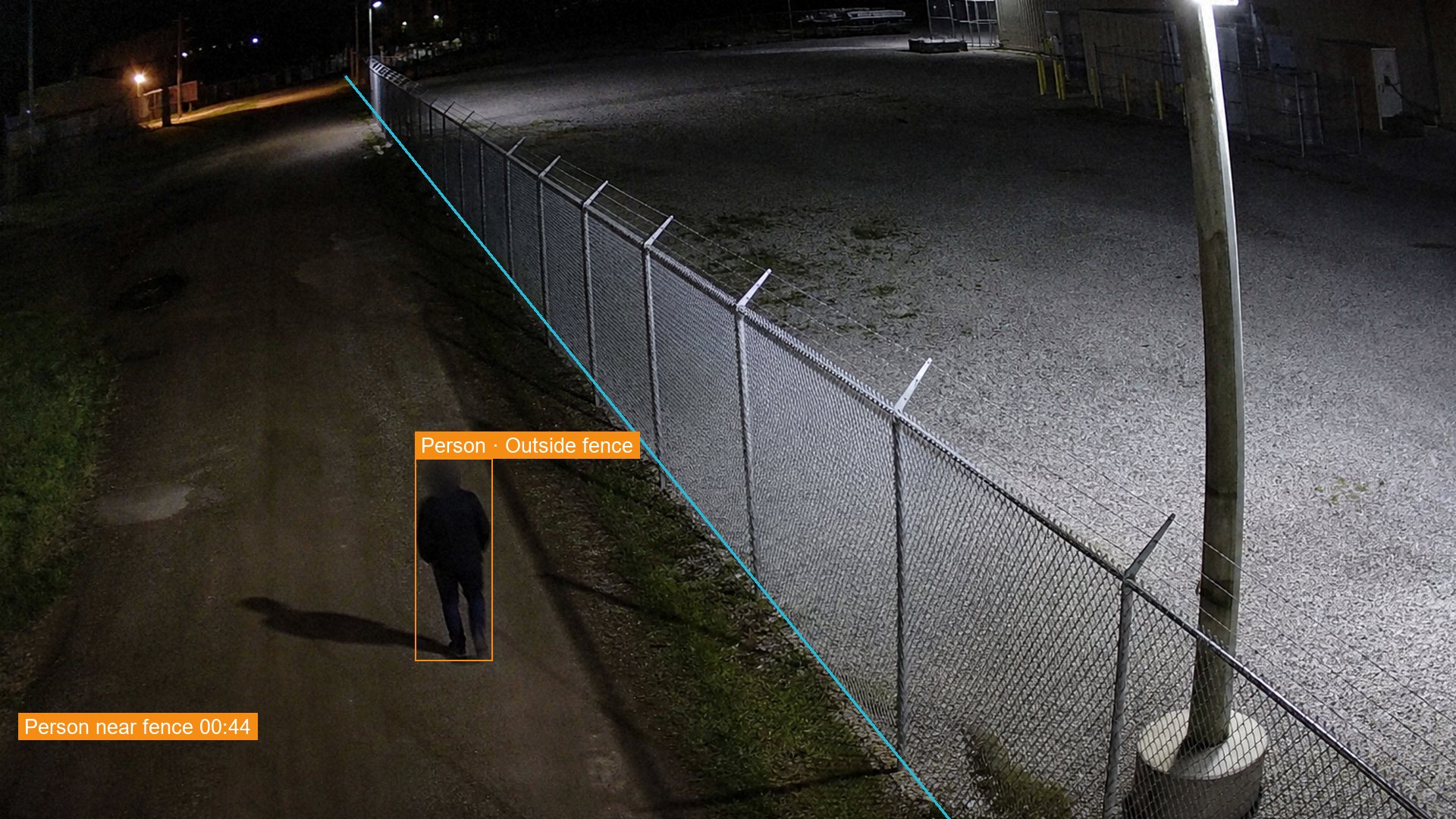 N-07 North fence
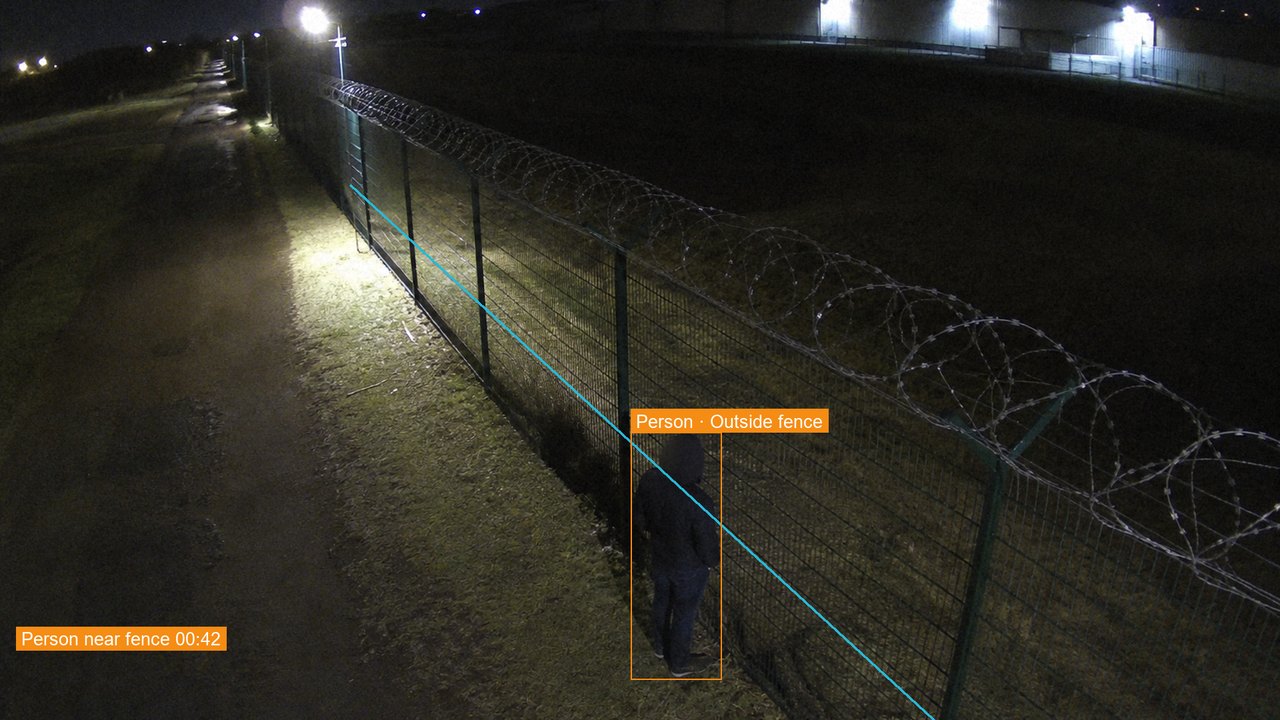 N-05 North fence
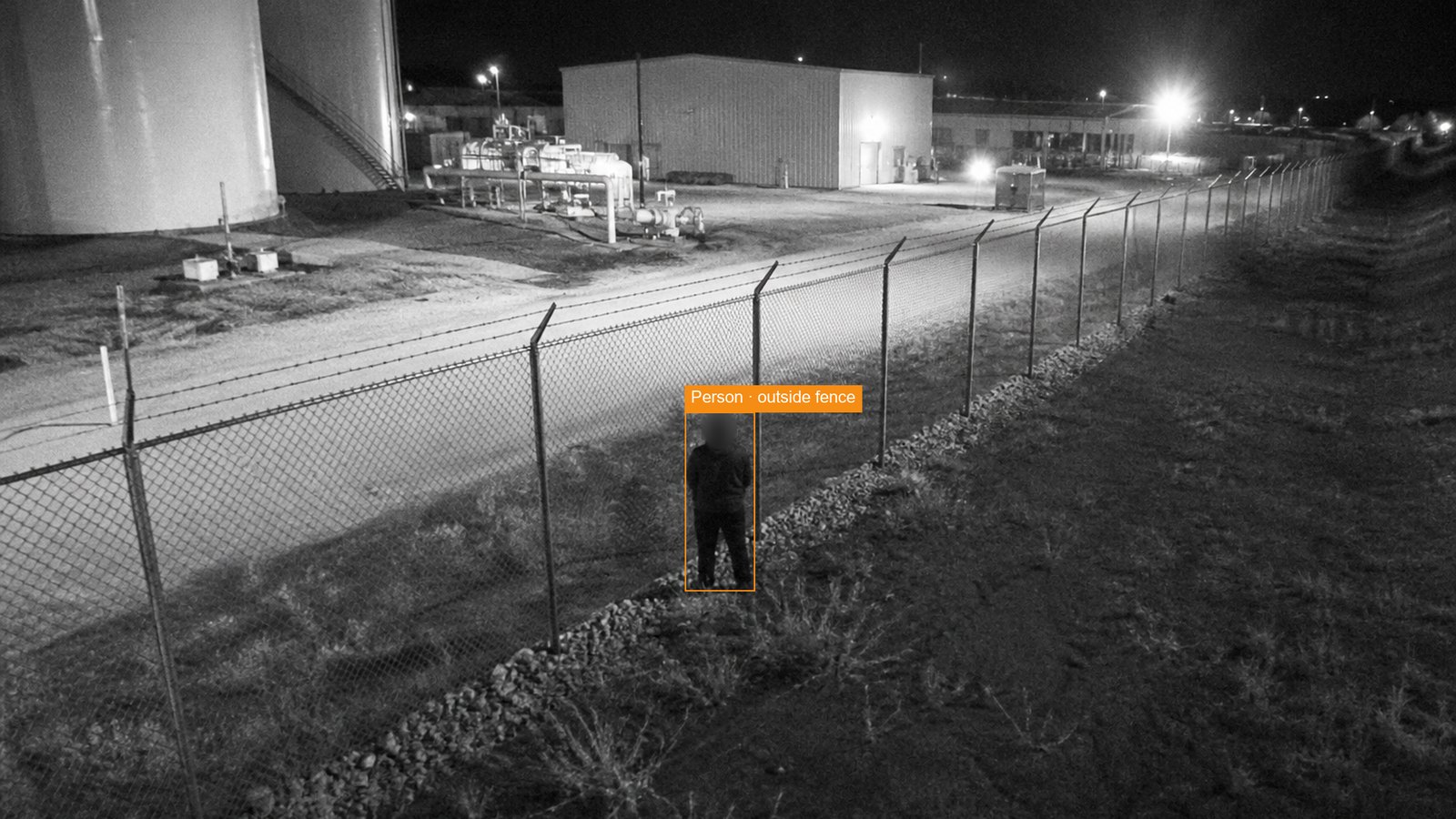 F-11 Fuel store
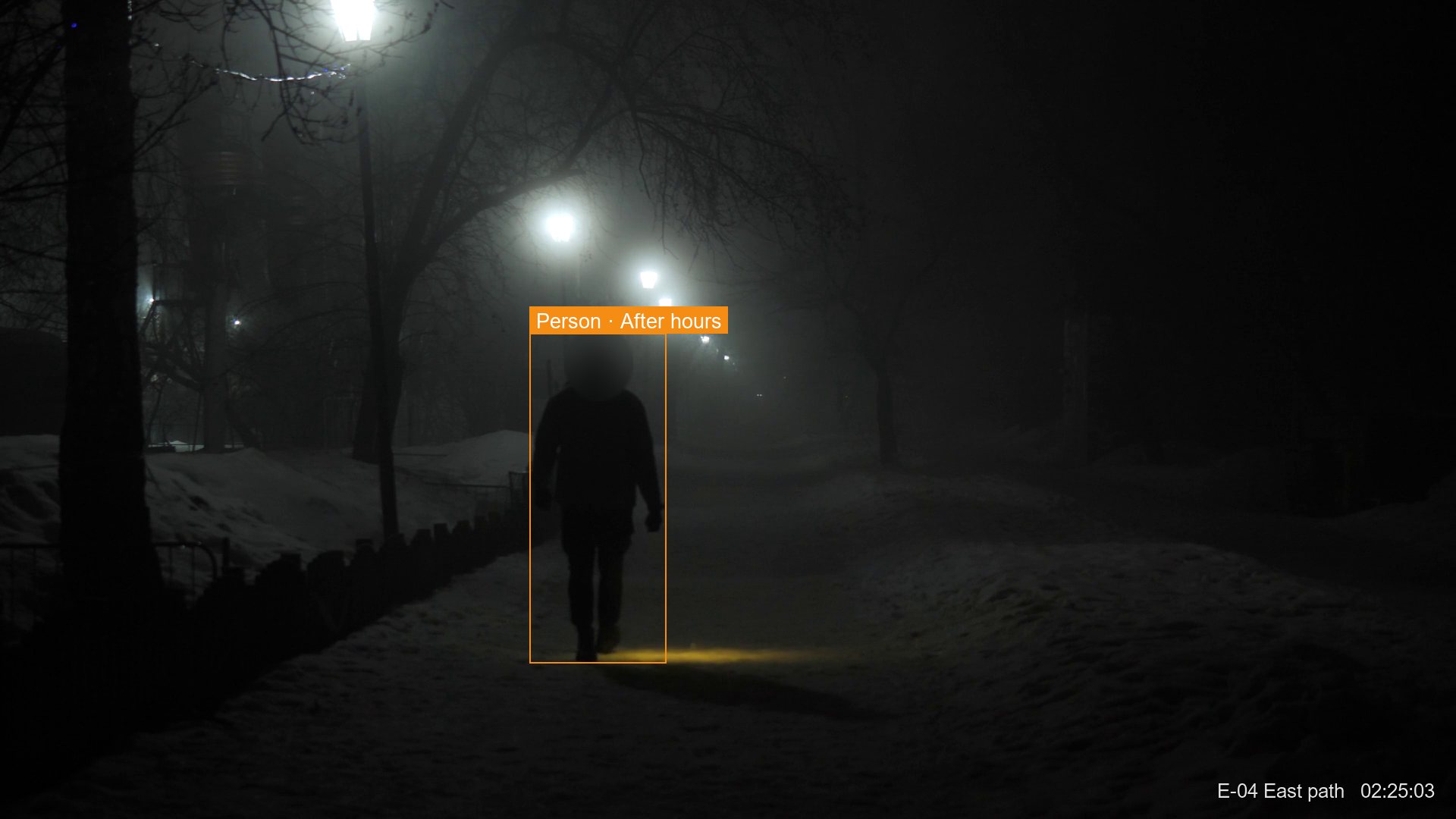 E-04 East path
N-07 North fence, Tuesday
How CCTV video search works
Search runs on the video your site already records.
- Type a descriptionDescribe the person, vehicle or action in plain words, and pick the cameras and dates.
- Results come back as clipsEach result shows the camera, the time and a short clip.
- Follow the routeResults from different cameras line up on one time bar.
- Export the evidenceChosen clips export as one file, with faces and plates blurred by default.
What you receive
Investigators and control room staff get answers from recorded video in minutes.
- Search in plain wordsClothing colour, vehicle type, direction, area and time of day.
- Results across camerasOne search covers every camera you are allowed to view.
- A time bar per cameraEach result marked on the day, ready to play.
- A logged search historyWho searched, what they typed and what they exported.
Questions about CCTV video search
How does CCTV video search work?
ZoneIntel describes what each camera sees and stores those descriptions with the video. A search matches your words against them. Results come back as clips with the camera name and the time.
Can it search for a named person?
Search works on appearance and action, such as clothing, vehicle type and direction. It keeps no face templates by default. Face recognition is a separate optional module that each customer turns on per site.
How far back can we search?
Search covers the retention period you set for each site and camera. Video and its descriptions are deleted together when that period ends.
Who is allowed to search?
Access is by role, and each user sees only the cameras assigned to that role. Every search, view and export is logged with the user’s name and the time.
Search one week of your own footage.
Send recorded footage from a few cameras. We set up search on it and answer your team’s questions on a call.