Camera health checks find offline, blurred or moved cameras the same day.
A camera that has been knocked, sprayed or unplugged often goes unseen until footage is needed. ZoneIntel AI compares every camera with its reference view each day and reports the fault before the gap matters.
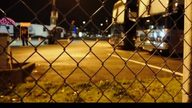 N-07Healthy
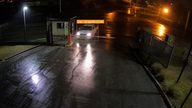 G-01Healthy
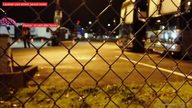 Y-04Offline
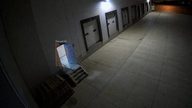 D-02Blurred
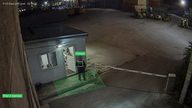 P-01Healthy
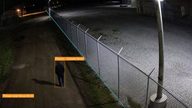 E-04Moved
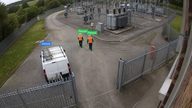 F-11Blocked
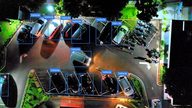 C-03Healthy
 W-02Healthy
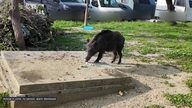
E-04 East path: moved
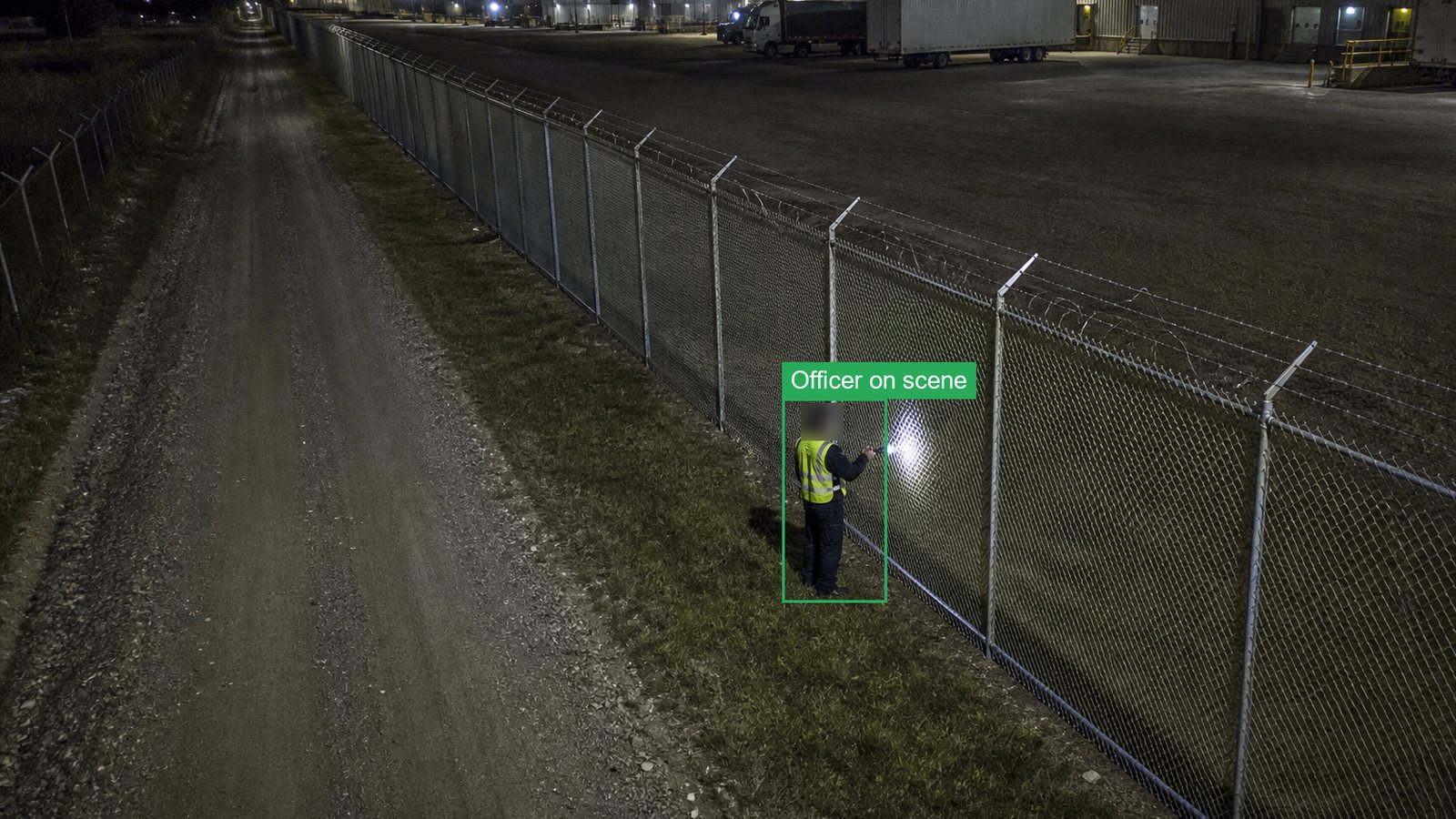 Reference view, 3 NovToday 06:00, angle shifted
How camera health checks works
Each camera is checked against a reference image that you approve.
- A reference view is savedYou approve one clear image per camera as the view it should show.
- Every camera is checked dailyZoneIntel compares the live view with the reference at the time you set.
- Faults are namedEach fault is labelled offline, blurred, blocked or moved, with both images.
- The fix is confirmedThe fault closes when the camera matches its reference view again.
What you receive
Security managers, integrators and town councils get one list of cameras that need attention.
- A status for every cameraHealthy, offline, blurred, blocked or moved, on one screen.
- A fault ticket with two imagesThe reference view beside today’s view, sent to your maintenance contractor.
- A status historyEvery change of status per camera, with dates.
- A monthly health reportFaults by type, time to fix and cameras with repeat faults.
Questions about camera health checks
What do camera health checks find?
They find cameras that are offline, out of focus, blocked by an object or paint, or turned away from their set view. Each fault comes with the reference image and the current image side by side.
How often is each camera checked?
Every camera is checked at least once a day at the time you set. Cameras at gates, docks and other key points run on an hourly check.
Does it work with any camera brand?
Health checks work on any camera that sends an ONVIF or RTSP stream, and on streams from your video management system. No software is installed on the cameras.
Who receives the fault?
Faults go to the team you name, such as the security manager, the integrator or the maintenance contractor. They arrive by email, by app or as a work order through the API.
See which of your cameras need attention today.
Share access to your camera streams for one day. We send back the status of every camera and the faults found.